
Community Discussion
U4EA Encoder App
Drop in, start a thread, argue about loadouts. All the usual.
- This topic has 3 replies, 2 voices, and was last updated 3 months, 3 weeks ago by
 .
.
-
Topic
-
I built this as an easy way to have videos the correct size to upload to places, the forum, Teamspeak, whatever, it can’t get any easier than this.
Message me for the Download link.
**Description**
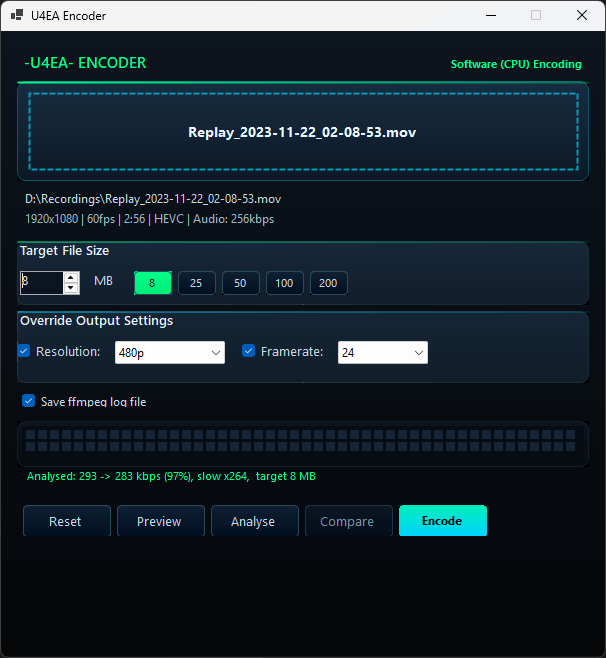
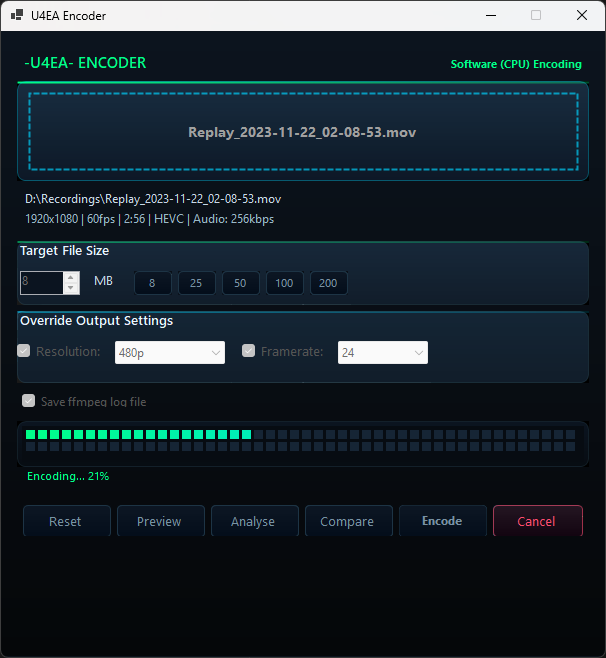
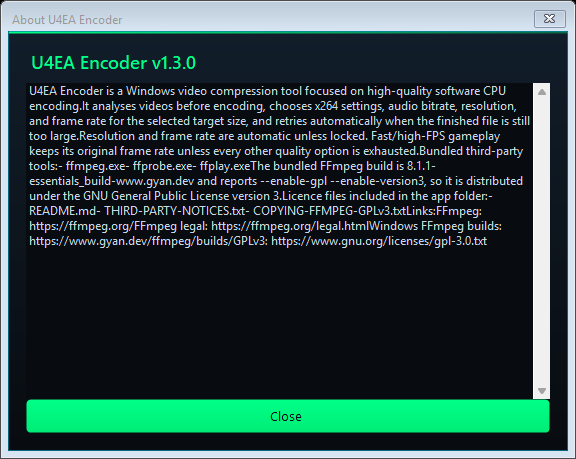
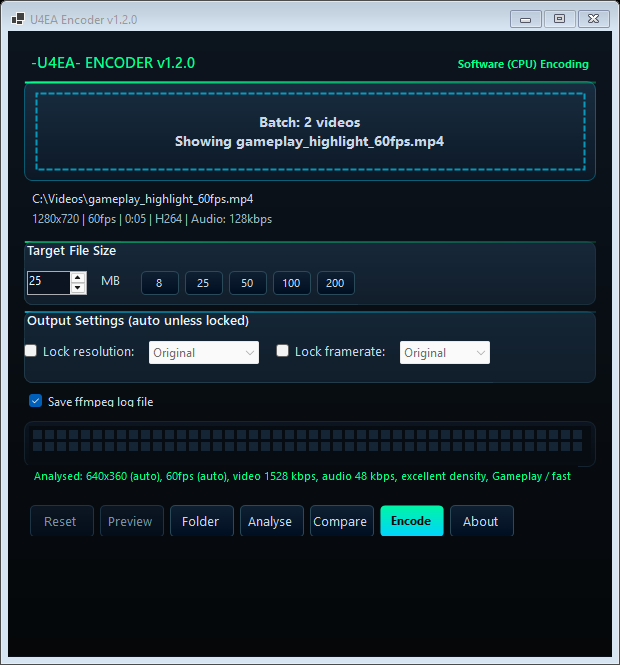
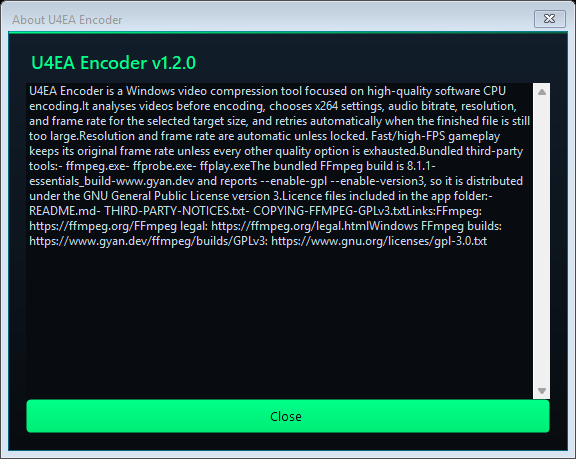
U4EA Encoder is a simple Windows video compression tool focused on high-quality software encoding. It analyses your video first, chooses sensible settings for the selected file size, and keeps the output below your target where possible.
**How to Use**
1. Drag a video into the app or click to browse.
2. Choose your target file size, resolution, and frame rate if needed.
3. Click **Analyse**.
4. When Analyse finishes, click **Encode**.
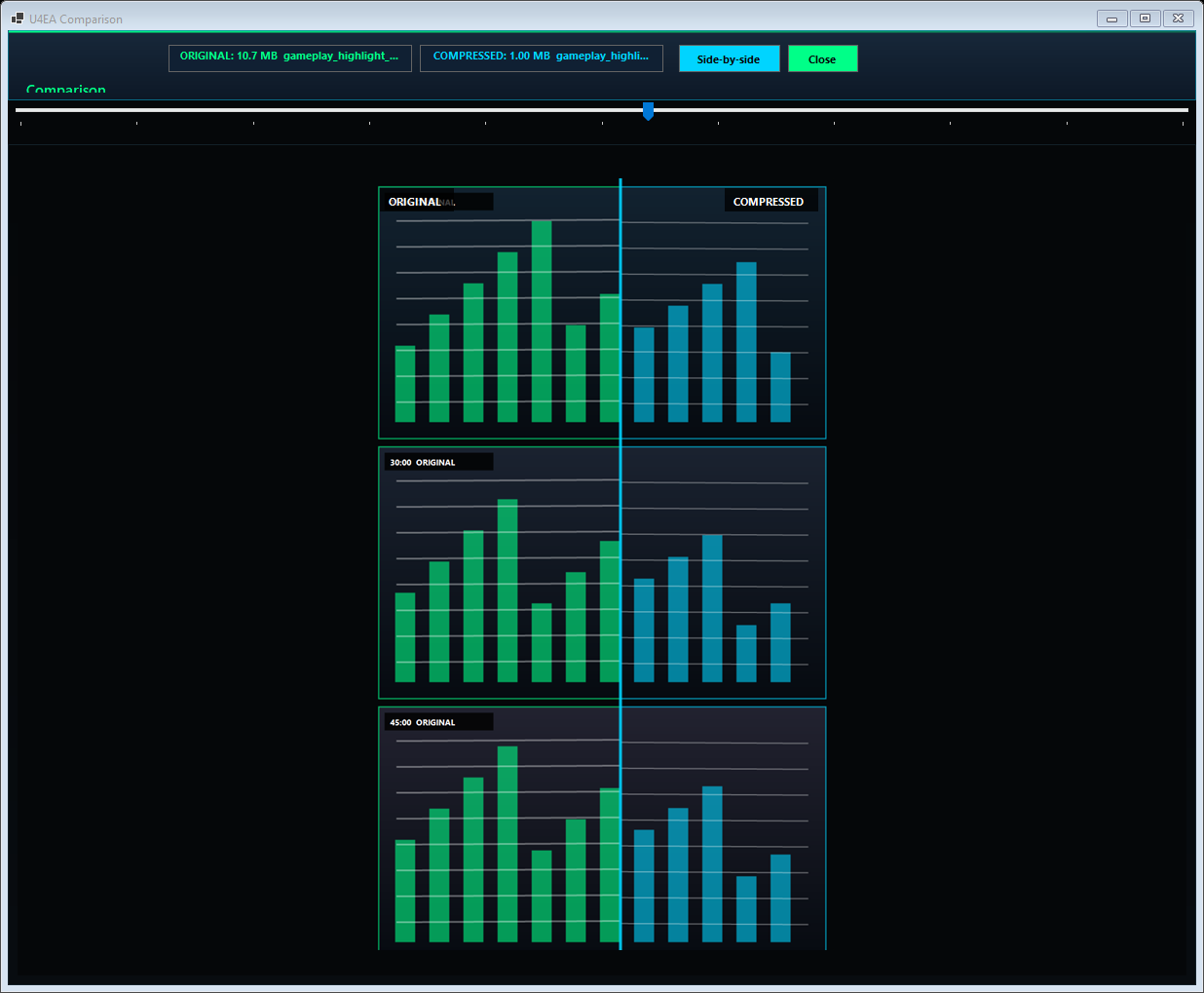
5. Use **Preview** or **Compare** to check the result.

Viewing 3 replies - 1 through 3 (of 3 total)


Viewing 3 replies - 1 through 3 (of 3 total)
- You must be logged in to reply to this topic.